Users can manually authenticate their servers by signing in to their Hytale accounts using a provided URL. In this guide we will take a look on how to Authenticate your server for Hytale.
1. Log in to your Game Panel.
2. Go To Server console on your Game Server.

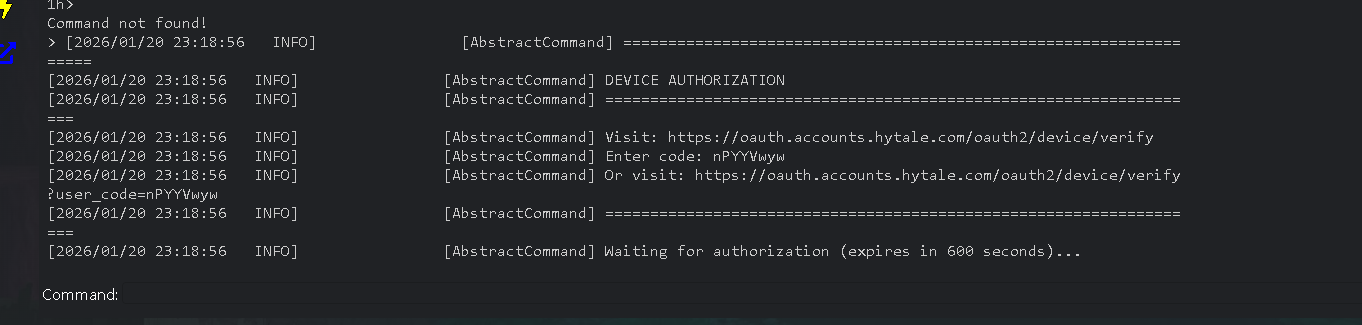
3. Type in /Auth login device

4. Copy the code, in this case its; npYYVwyw
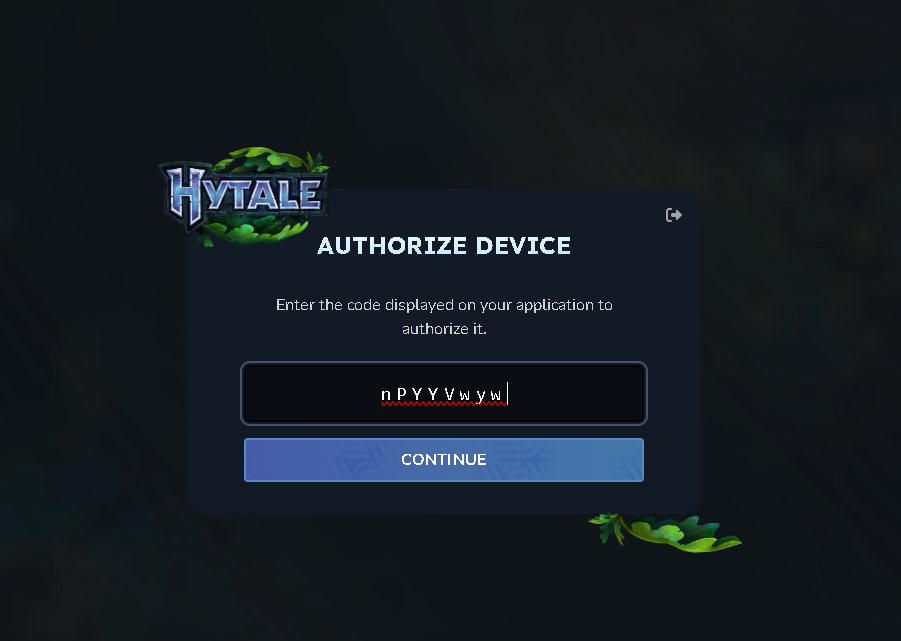
5. Click on Authenticate Yourself under Download/Update Hytale.

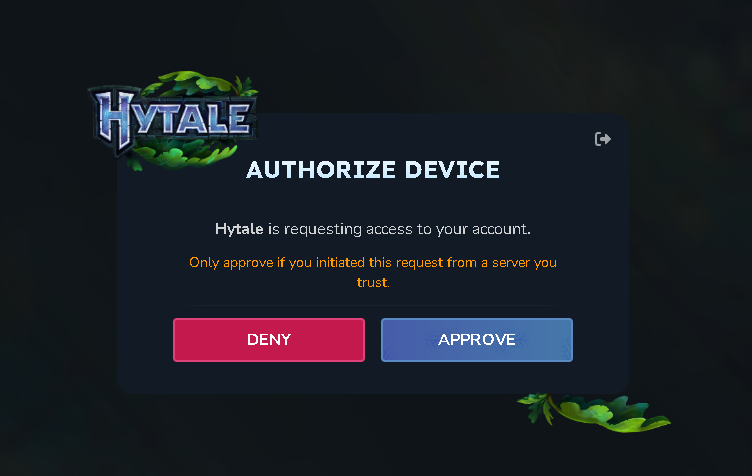
6. Click Enter the code and click Continue. Then you click on Approve and you
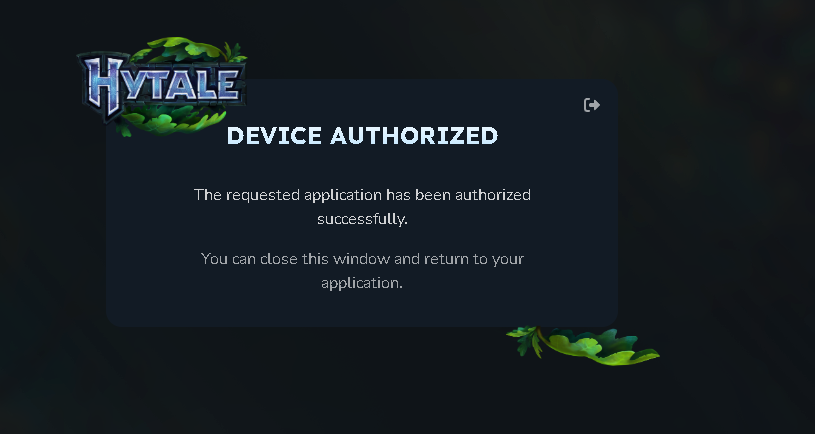
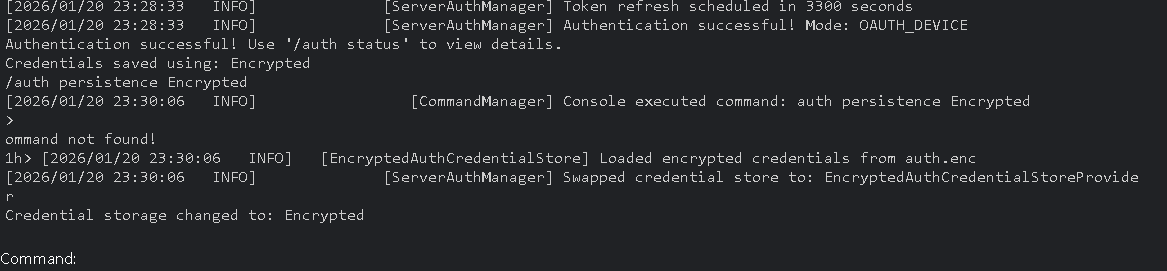
7. Once Authentication is complete, you can close this page and go back to the server console. In the server console, type in "/auth persistence Encrypted" and press ENTER - this is done so that Authentication is saved and on server reboot this process will not have to be done again and will save a file inside the server directory called auth.enc (Dont delete this if you dont want to redo this the steps.)